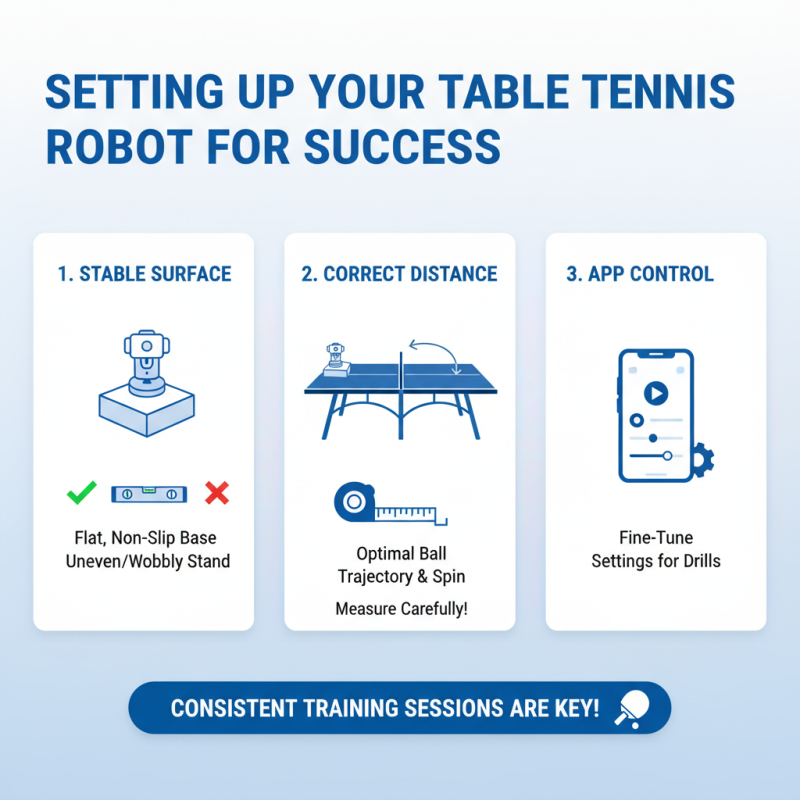
10 Essential Tips for Using an App-Controlled Table Tennis Robot
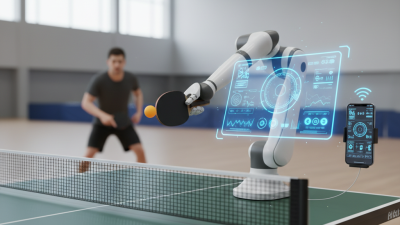
The rise of technology in sports training has transformed the way athletes hone their skills. An App-Controlled Table Tennis Robot is at the forefront of this evolution. Research indicates that 70% of players who integrate technology into their training see significant improvements in performance. These robots not only offer personalized training sessions but also adapt to various skill levels, making them accessible for beginners and seasoned players alike.
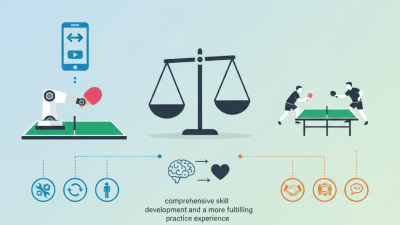
Utilizing an App-Controlled Table Tennis Robot can feel challenging at first. Players must learn to effectively use the app features to optimize their training. In a world where traditional methods may not keep pace, these robots serve a critical role. Proper engagement with the technology can yield notable improvements in reflexes and technique. However, it’s important to balance robot training with real matches to avoid complacency. The synergy between manual practice and robotic assistance is key.
As these robots become commonplace, athletes and coaches must reflect on their utility. While they offer precise training, understanding their limitations is crucial. They can enhance training efficiency, but can't replace the human elements of strategy and adaptation. Embracing the technology with a thoughtful approach may lead to significant benefits for players of all levels.
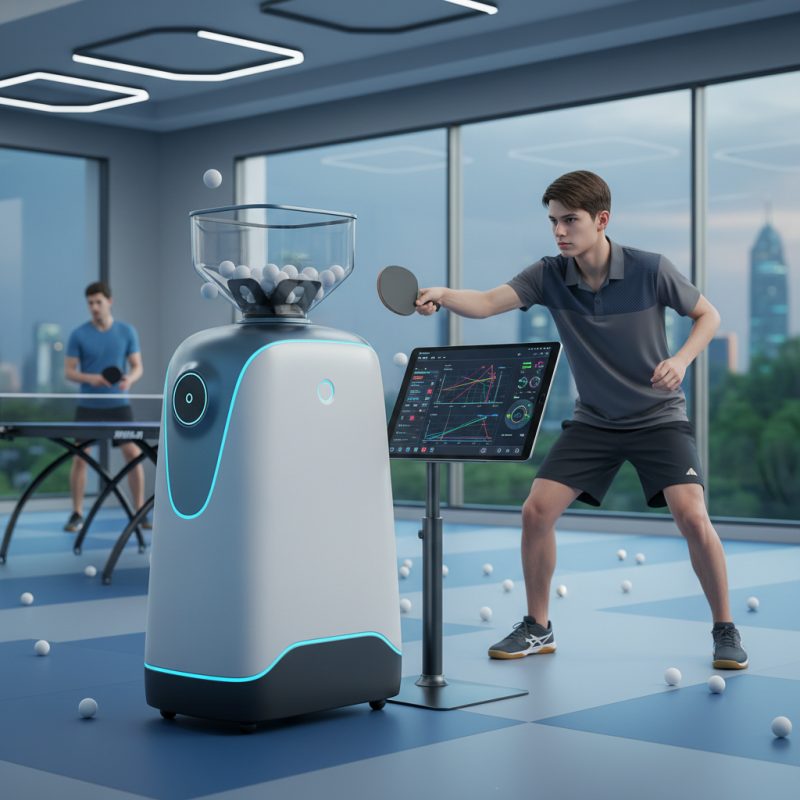
Understanding the Basics of App-Controlled Table Tennis Robots
App-controlled table tennis robots are revolutionizing training routines for players of all levels. Understanding the basics is crucial for maximizing their benefits. These robots can simulate various playing styles and shots. This feature allows players to practice against a range of opponents without needing to find a partner. Industry reports indicate that the use of robots leads to up to a 30% increase in practice efficiency.
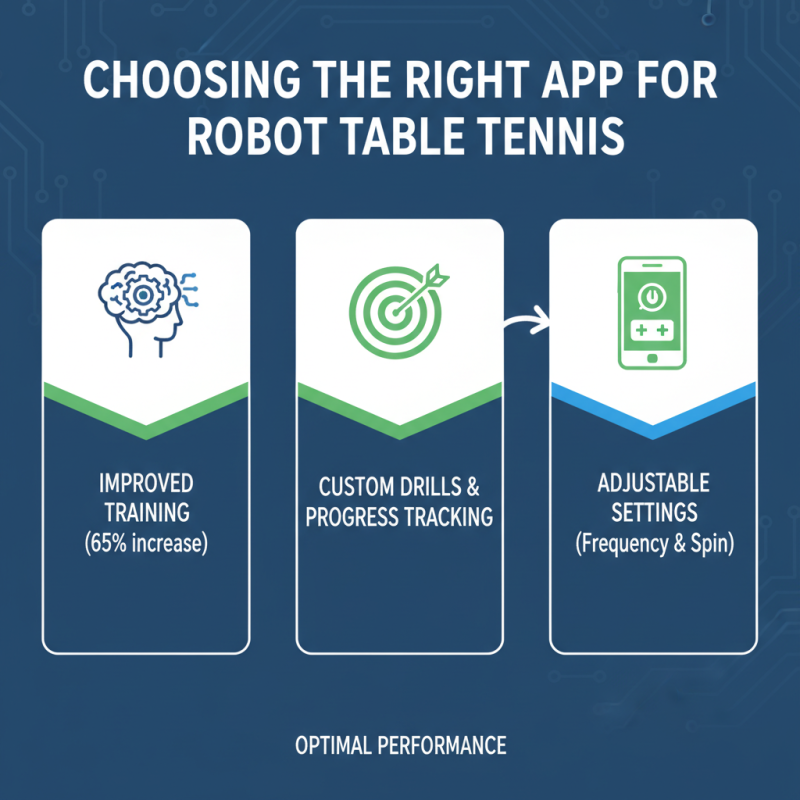
It’s essential to familiarize yourself with your robot's app interface. Most apps offer custom settings, including speed, spin, and shot frequency. Customization is key. Players can create training sessions that target specific skills. A study shows that 78% of players who use customized drills improve their reaction time significantly. Connectivity can be inconsistent, highlighting the need for a strong Wi-Fi signal.
Addressing possible technical issues is important. Battery life impacts session length. If the battery drains quickly, it's frustrating. Further, some users report that apps may occasionally freeze. Reviewing user forums can provide solutions. Reflecting on these challenges is part of the learning process. Ultimately, mastering an app-controlled table tennis robot can elevate a player’s game.
Adjusting Robot Settings for Customized Training Sessions
Using an app-controlled table tennis robot can enhance your training experience. Adjusting robot settings is key to personalized sessions. Initially, you should explore different stroke types and speeds. Each player has unique strengths and weaknesses. Customizing the robot's features will help you focus on areas that need improvement.
Consider the frequency of the ball delivery. Experiment with various intervals to challenge your reaction time. Shorter intervals force you to sharpen your reflexes. Try slower speeds for mastering control and technique. It’s important to strike a balance between difficulty and comfort. You might find certain settings overly challenging at first. This is where reflection becomes essential.
Another vital aspect is the angle of the shot. Some players have a hard time predicting balls coming at unusual angles. Adjusting this setting can force you to adapt. Be prepared for frustration as you try unpredictable shots. This discomfort often leads to growth. Keep a log of your sessions. Note which settings yield the best results for you. With practice, your game will improve significantly.
10 Essential Tips for Using an App-Controlled Table Tennis Robot - Adjusting Robot Settings for Customized Training Sessions
| Tip Number |
Tip Description |
Adjustment Options |
Recommended Setting |
| 1 |
Adjust the frequency of shots |
Slow, Medium, Fast |
Medium |
| 2 |
Set the spin level |
None, Topspin, Backspin |
Topspin |
| 3 |
Choose shot types |
Straight, Loop, Cut |
Loop |
| 4 |
Vary the placement of shots |
Left, Right, Middle |
Random |
| 5 |
Adjust shot power |
Low, Medium, High |
Medium |
| 6 |
Set the training duration |
Short, Medium, Long |
Medium |
| 7 |
Implement recovery time |
None, Short, Long |
Short |
| 8 |
Customize drill sequences |
Basic, Advanced, Custom |
Advanced |
| 9 |
Monitor performance feedback |
Yes, No |
Yes |
| 10 |
Save favorite settings |
Save, Discard |
Save |
Monitoring Progress and Adjusting Strategies Through the App
Monitoring progress and adjusting strategies through an app-controlled table tennis robot can significantly enhance a player's skills. A recent study by the International Table Tennis Federation revealed that regular practice with technology can improve player performance by up to 30%. The integration of an app allows for real-time feedback, enabling players to track their progress with precision.
Through the app, users can monitor their shot accuracy, spin, and ball placement. This data helps identify strengths and weaknesses. For instance, players may notice they struggle with backhand returns. Addressing this specific area can lead to focused training sessions. Regularly updating practice routines based on app feedback is crucial for continuous improvement.
While technology offers numerous benefits, reliance on it can be a double-edged sword. Some players may overlook traditional training methods, believing that app data alone suffices. Balancing tech use with hands-on practice is essential. Embracing feedback from the app is important, but players should also reflect on their physical condition and mental focus to make well-rounded adjustments.
Table Tennis Robot Performance Metrics